Uses several third party solutions in the delivery, opensource or payable solutions made available by others. Show the importance of leveraging existing tools and APIs.
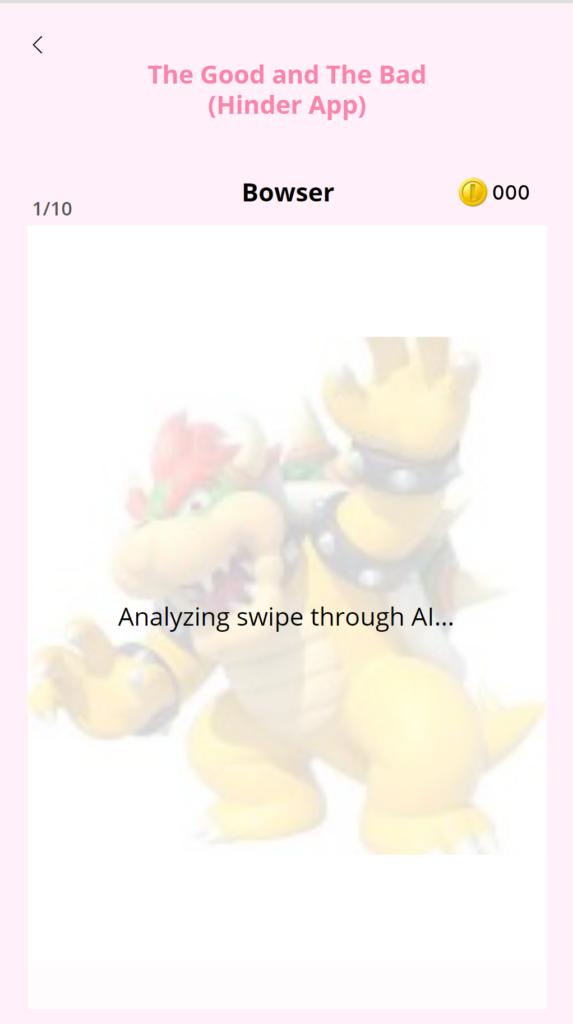
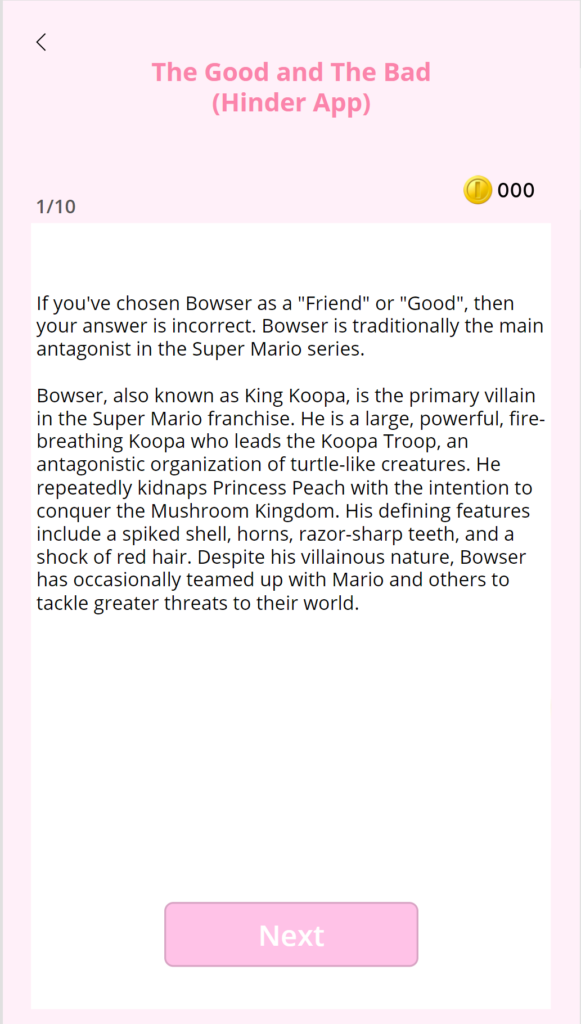
And the excitement doesn’t stop there! In the Mushroom Kingdom, Princess Peach must determine whether she can trust each inhabitant and prepare her for the Mario World. This is brought to life through a Tinder-like swiping interface, where she makes her choices by swiping. The feature leverages the PCF Swipe component and a analysis feature of the swiped choices and characters with AI enabled feature by connecting it with OpenAI Web Service. This engaging feature adds a layer of suspense and fun to the game, making it an unforgettable swiping experience!
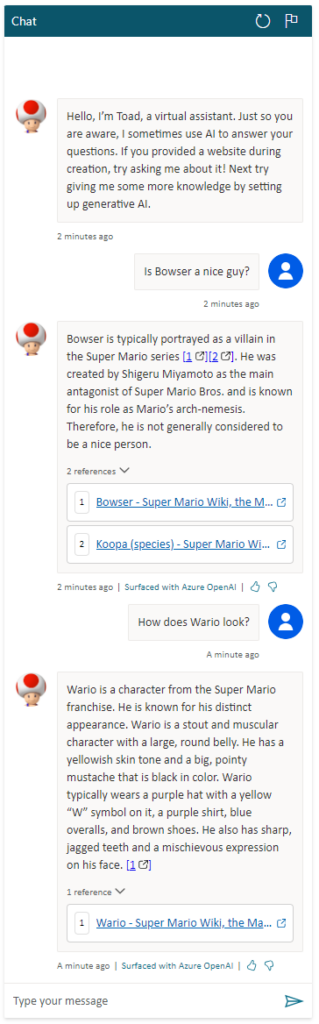
Toad Assistant (PVA with use of the AI web crawling feature to get infomration and context from mariowiki.com webpage)
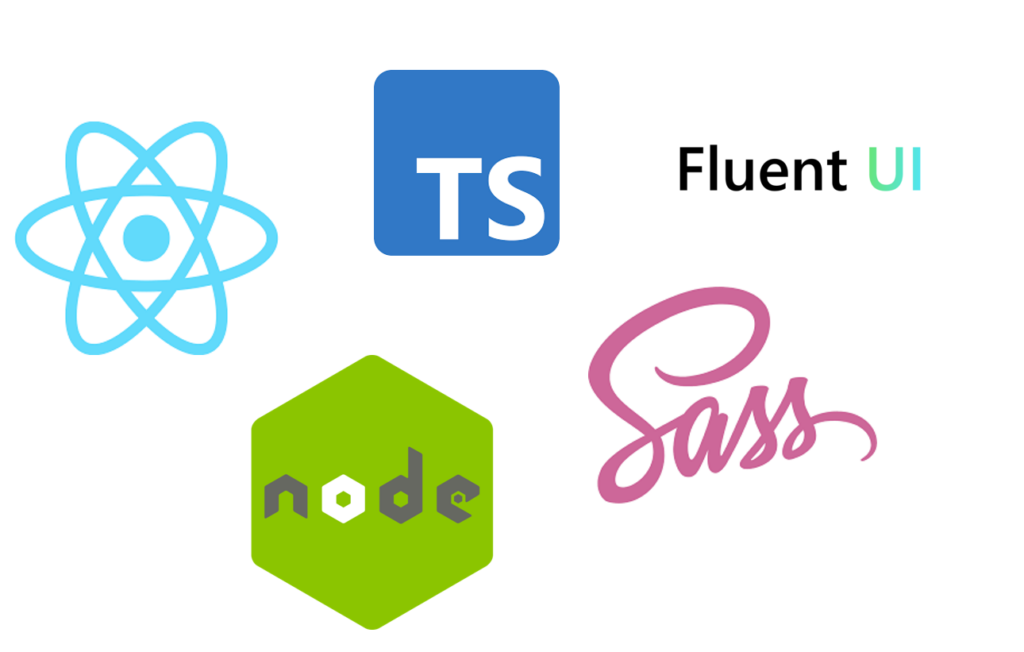
Our dazzling frontend application is implemented with the coolest of the coolest technologies. React allows us to run our application seamlessly in the client’s browser. In addition to our static code analysis pipeline, these technologies make sure we are compliant and protects the privacy of the user.
We used:
React
Node.js
Typescript
SASS
Fluent UI for React
Not only are they hippety hip, they are third party libraries super useful for our application! Weehoo!
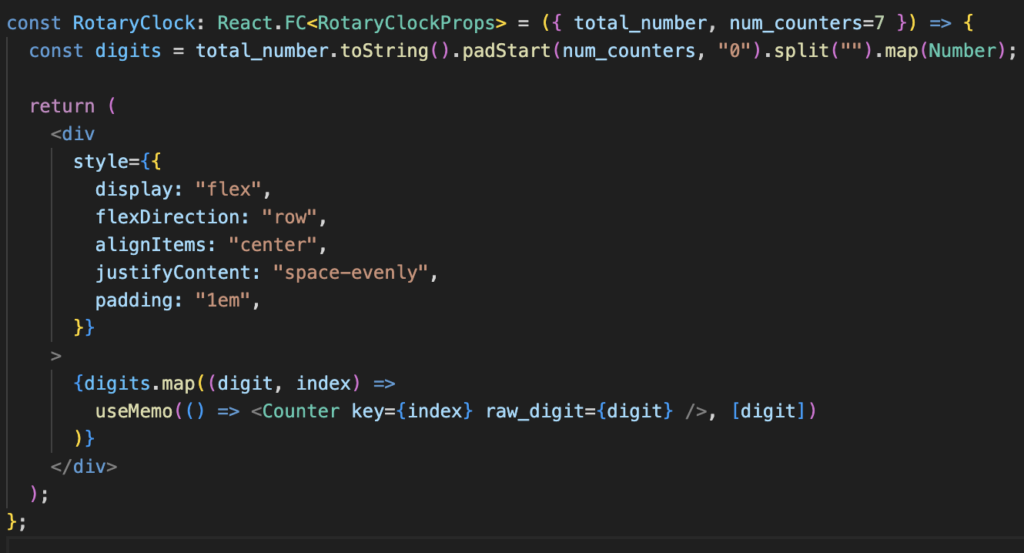
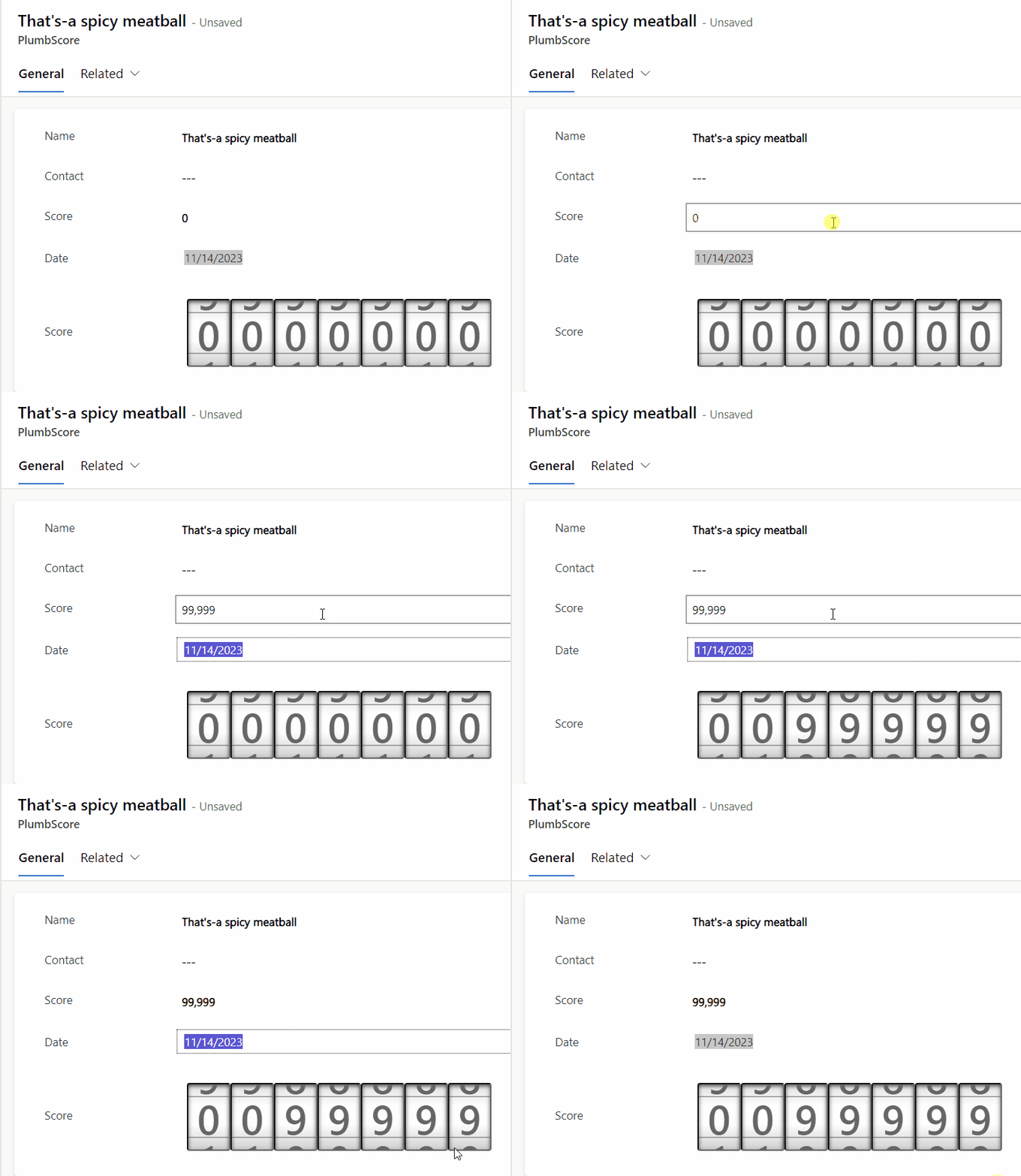
While this is a great visualisation, we must announce that the CSS and JS was not created by us, but by the great Developer VictorNP, which proposed a vanilla JS solution which we transformed into React functional components. As stated by the designer, It is mainly designed to be a read-only component used to display information – Therefore we’ve limited to bounded context fields.
This is an great example of how the limited possibilities of Dashboards in Dynamics directly, can easily be mitigated, as well making the visualisation reusable for different contexts through PCFs, making custom, code-first visuals in our Low-code solution. By harnessing the power of client-side processing, we ensure that our solutions are not burdened by heavy monolith front-ends, guaranteeing a seamless and responsive user experience every time. Of course, memorisation is applied to improve the transitions and performance of the visualisation.
The PCF component on a CRM form
Moreover, the PCFs functions as plugins for Power Apps, which further enriches the user experience through customisation. Our use cases will be mostly related to displaying important business and plumbing related KPI’s to keep track on the current state of our business. Lastly we wanted others to be able to reuse this visual and provide improvements to it, so we Open sourced it and made available on Github! Contributions are very welcome!
In the spirit of collaboration and efficiency, our project seamlessly integrates several third-party solutions to enhance its capabilities. At the forefront, we employ Hololenses, a #hip and mixed reality device that brings magic into our everyday lives.
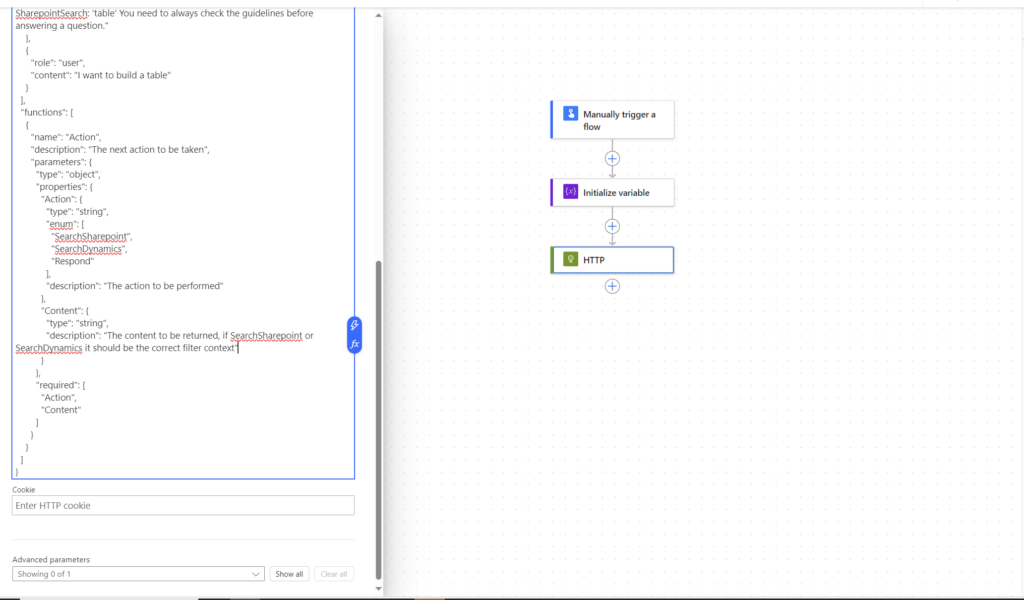
#Thieving the great knowledge of OpenAI plays a vital role in our project, helping us define the materials needed to construct a table – and potentially bigger projects in the future. By tapping into OpenAI’s advanced AI capabilities, we empower our users to receive real-time insights and instructions, making the crafting process both intuitive and engaging.
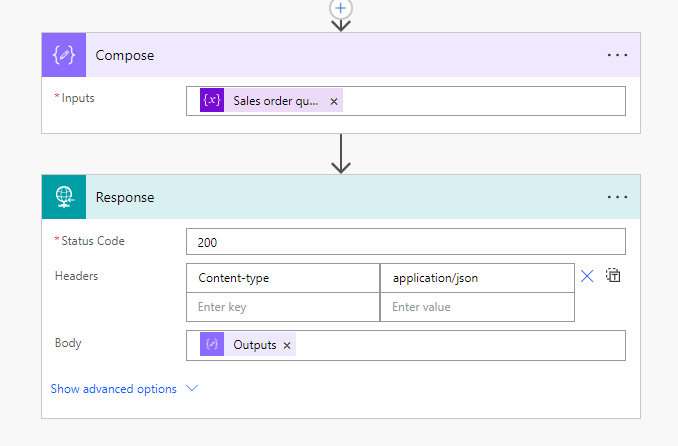
Power Automate serves as the orchestrator behind the scenes, effortlessly connecting different components of our solution. From updating FinOps with material quantities to generating purchase orders and sales orders, Power Automate ensures a seamless flow of information.
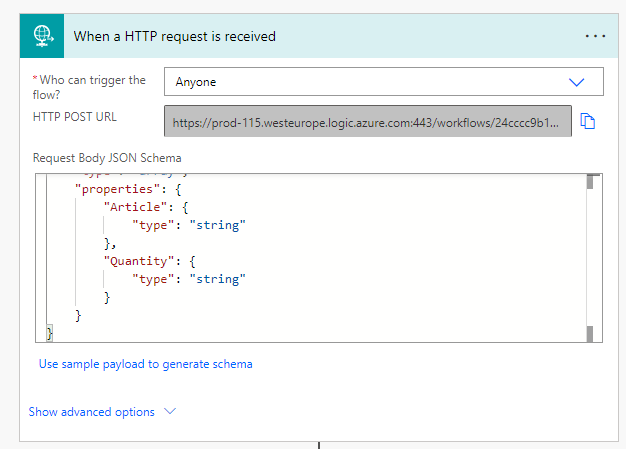
As soon as the Hololens have detected the necessary materials and quantity, it triggers a flow in Power Automate:
The flow ships the information into FinOps to automatically generate purchase and sales orders to improve efficiency and to automate critical business processes. Further on, the sales order information travels back to the Power Automate and sends a response to OpenAI:
Using Function calling to OpenAI in combination with Power Automate we intend to claim the #Power User Love badge along with #Hipster for extensial use of hip technology and #Thieving Bastards for stealing the awesomeness of OpenAI!
Hipster: We protect privacy by not saving any user information except the name in our database. Also, provide cartoon avatars instead of real face of the employees.
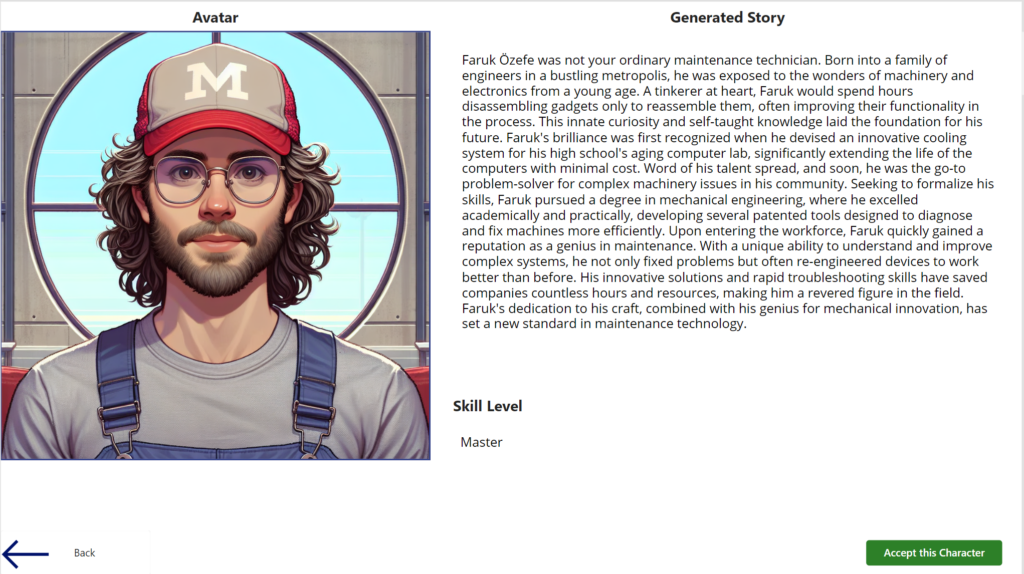
The Existential Risk: Our AI generates interesting background stories where humans may fail to do so.
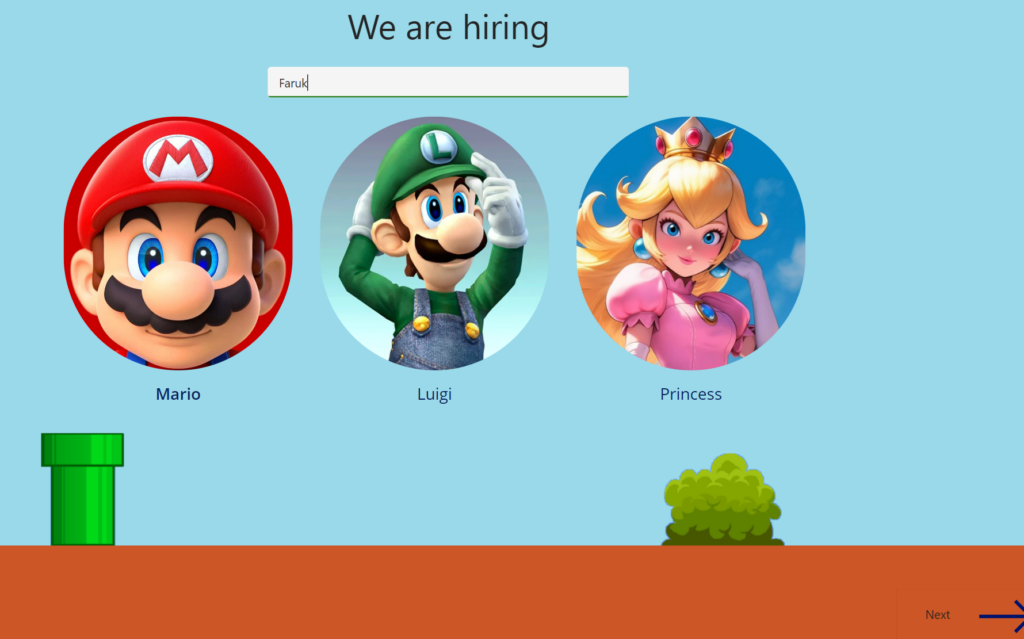
Mario badge: Gamification of the onboarding process. Instead of boring onboarding we provide users a game character creation experience when joining the company
Thieving Bastards: We use paid ChatGPT api to do api requests.
Do you want a fast onboarding process for your agents? We have the right solution.
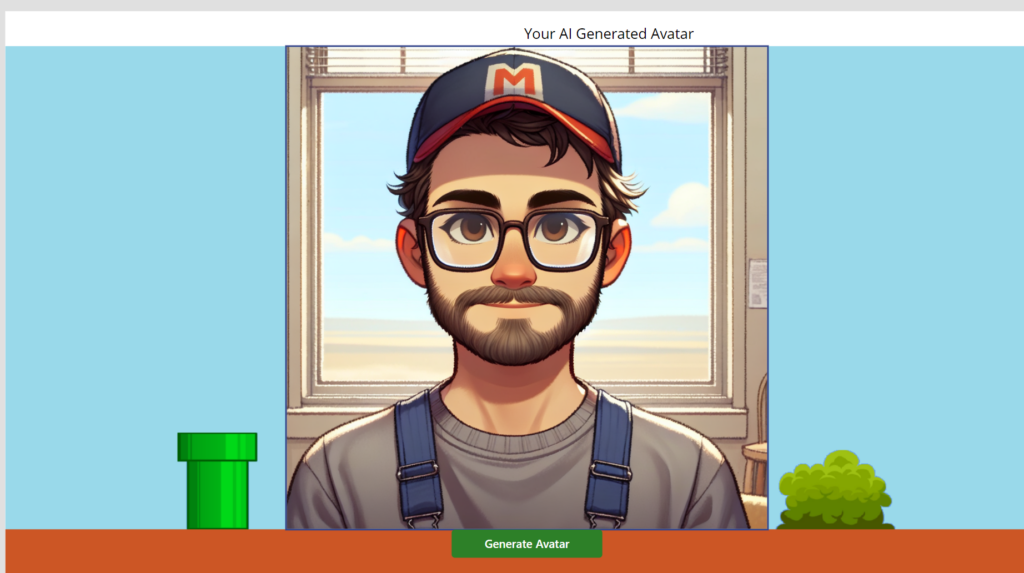
In our company, we use AI to generate images that look like your agents. We have customizable prompts to generate different characters. We can create a quick backstory for an immersive customer experience.
You can choose different appearance options. For Image generation, we will need a prompt and an image of the person. Based on the selected character AI will make your avatar a lookalike.
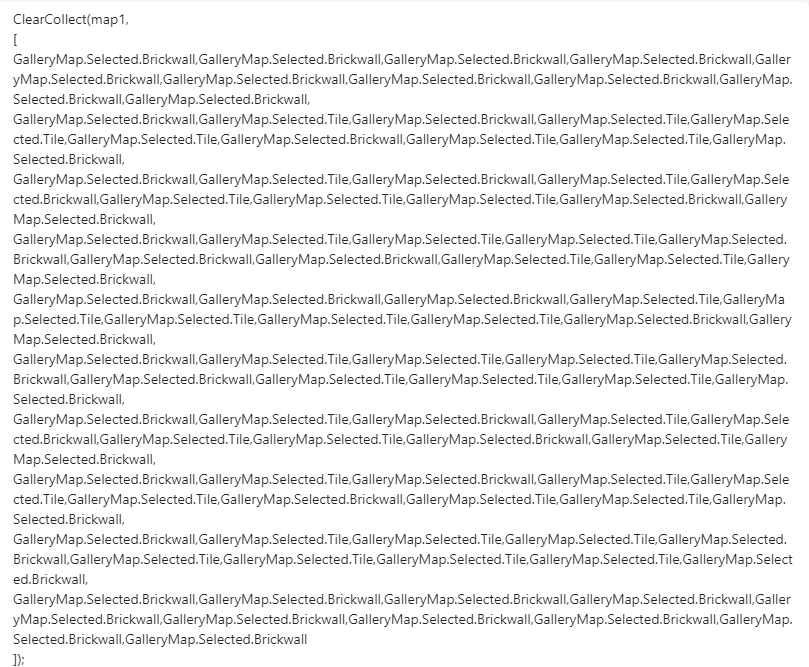
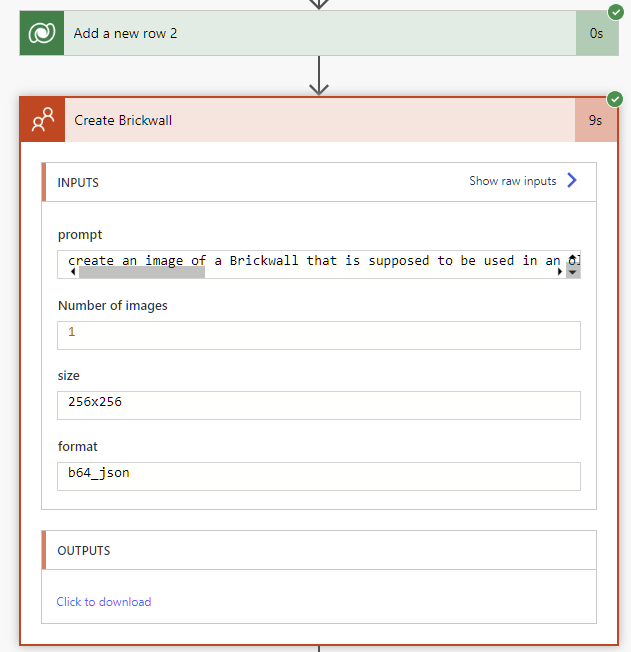
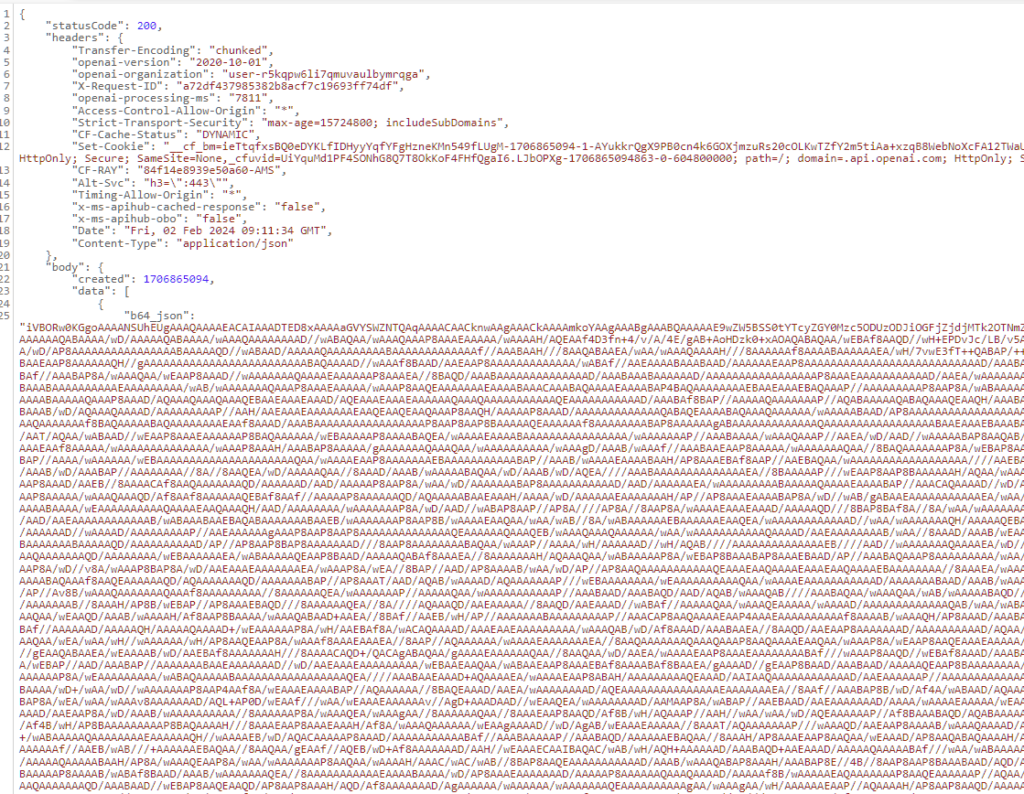
Take your picture and generate an image. We are using chatgpt API for image generation. It is a subscription model for text generation and pay as you go model for image generation. Using existing api instead of building a stable diffusion solution save from time. We use power automate cloud flows to call API requests and retrieve responses. We let the ai combine user picture and prompt to create a cartoony avatar.We do not save any user information in our dataverse to keep up with privacy requirements
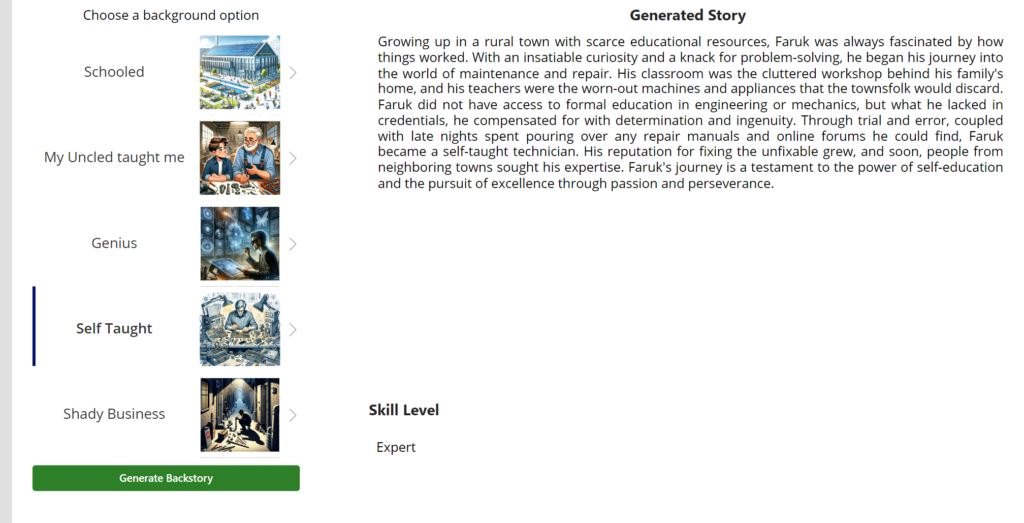
Choose your theme for the background. AI will create a nice-looking story for you. Based on what is said in your story it will set a skill level too. This time we are using text generation apis of chatgpt with flows. Based on selected background option ai will generate a background story and skill level. Skill level considers generated story too, so it is meaningful.
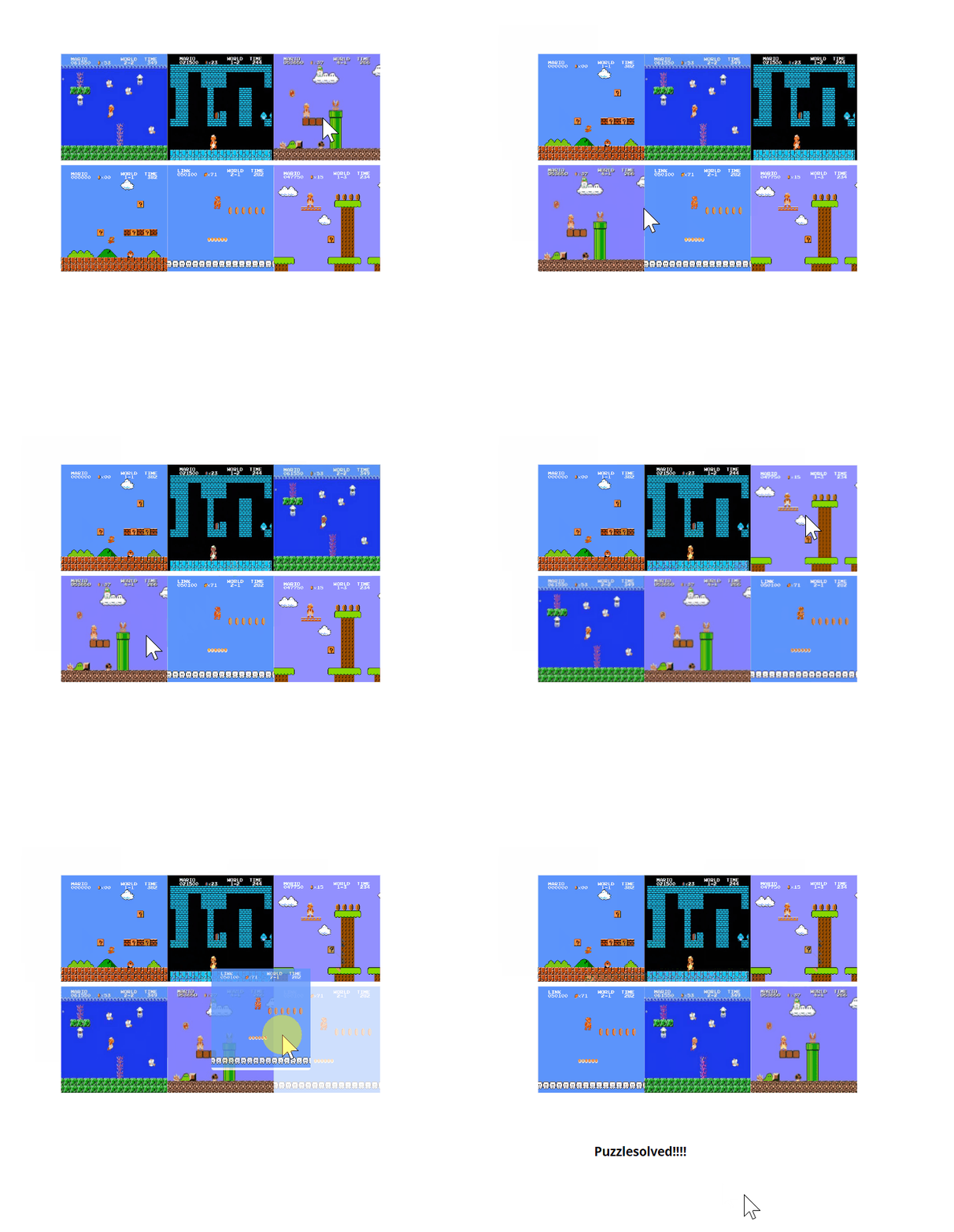
Hey, folks! Do you like puzzles? Do you like Power Apps? Do you like drag and drop stuff? If you answered yes to any of these questions, then you will our newest game Puzzle!
What is this game?
The image puzzle is hidden inside a painting in one of our game locations. You will have to drag and drop the pieces of an image to complete the puzzle. Sounds easy, right? Well, not so fast. You probaly need to find some sort of pattern to follow. So good luck with that!
How did we make it?
We used a super awesome component that Scott Durow made. It’s called the Drag and Drop component, and it lets you create drag and drop user interfaces in Power Apps. Scott is a genius and a legend, and he shared his component on GitHub for everyone to use.
Now, you might be thinking: “Wow, that’s so cool! You must be a great developer to use Scott’s component in your game!” Well, not really. You have to download the component and install it in your environment, then add it to your app
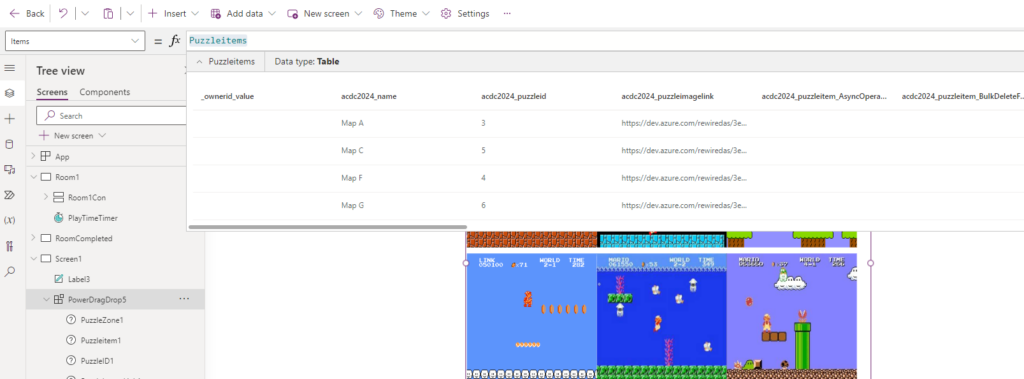
We have a table in Dataverse containing links to the images (you have to host the images externally as of now)
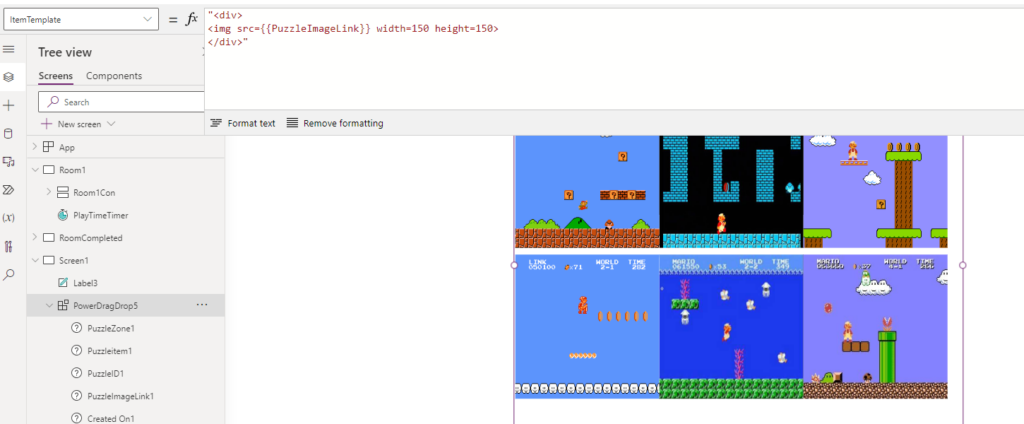
Then we display the images by modifying the itemTemplate and force them to be the same size
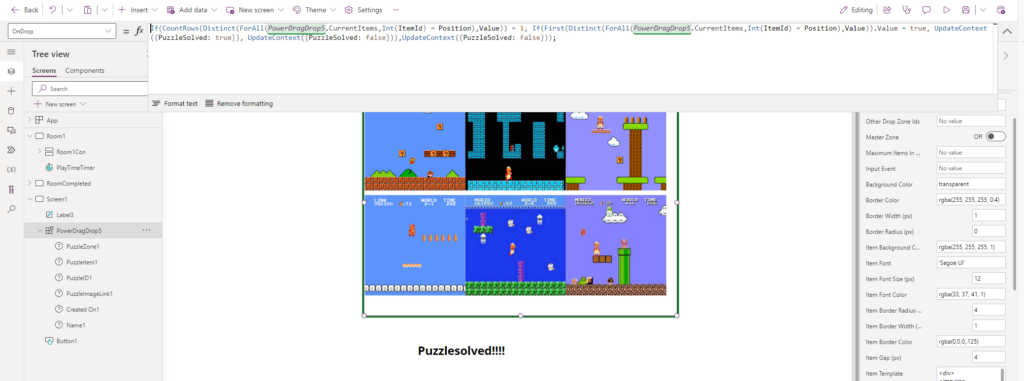
And then on each onDrop, we check if the images have the right position.
Which gives us this cool puzzle:
How do I play it?
Ending this post by stating that we are NOT attempting to claim Glossy Pixels with this post at this time.
As the clock strikes 11:30 PM at the ACDC Hackathon, most would expect energy levels to dwindle and motivation to fade. Yet, within the confines of our workspace, the ambiance tells a different story—a tale of unwavering determination and remarkable team spirit that defies the late hour. This post is a testament to our journey, not just towards developing an innovative solution, but in pursuit of two distinct badges: “Remarkable Team Spirit” and “Thieving Bastards,” each emblematic of our ethos and strategy.
Remarkable Team Spirit
In the shadowy hours of the hackathon, when most are battling the weight of exhaustion, our team’s spirit only seems to amplify. It’s 11:30 PM, yet the air is electric with enthusiasm, a clear contender for the “Remarkable Team Spirit” badge. This extraordinary energy isn’t accidental but the result of our collective resolve to support, motivate, and inspire each other relentlessly.
How do we keep this spirit alive? It begins with recognizing each member’s contributions, celebrating small victories, and maintaining a culture of positivity and resilience. Music, laughter, and occasional breaks rejuvenate our minds, ensuring we stay motivated and focused. Our secret sauce? A shared vision that transcends individual goals, binding us in the pursuit of excellence.
Leveraging Legacy: Thieving Bastards
Transitioning from the vibrancy of our team dynamics, our journey also embraces the essence of the “Thieving Bastards” badge—our strategic decision to integrate third-party solutions into our project. Tasked with creating a game reminiscent of the iconic Super Mario, we initially grappled with the complexity of game logic and mechanics. The breakthrough came when we decided to not reinvent the wheel but to stand on the shoulders of giants.
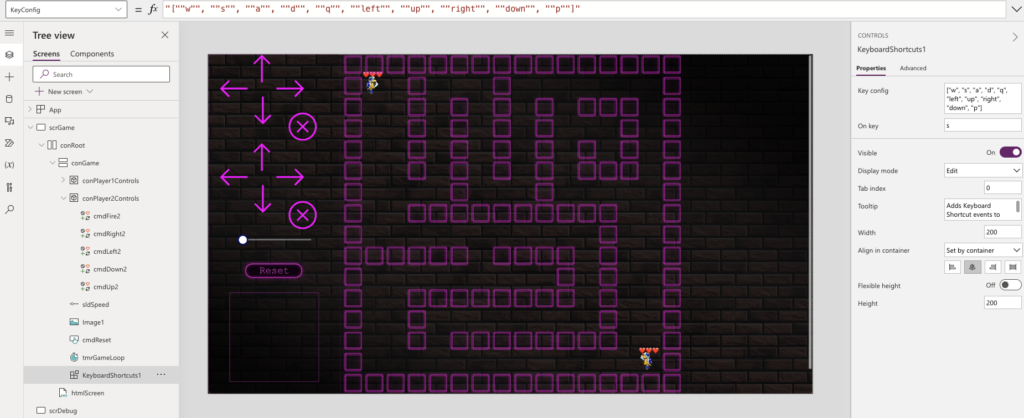
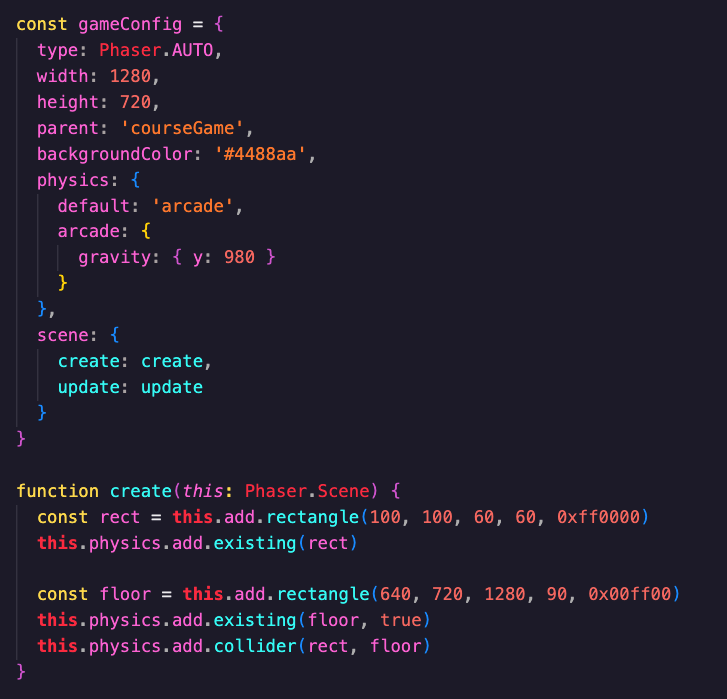
Enter Phaser—a third-party library for React that became our game-changer. Phaser offered us a treasure trove of pre-defined game mechanics that we could employ out of the box, significantly accelerating our development process. This strategic move underscored the importance of leveraging existing tools and APIs, allowing us to focus on innovation and creativity rather than getting bogged down by the nitty-gritty of game development mechanics.
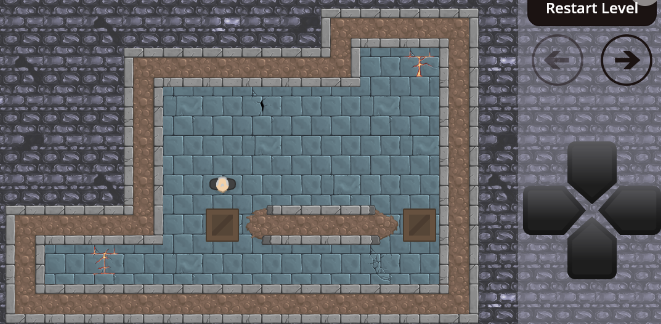
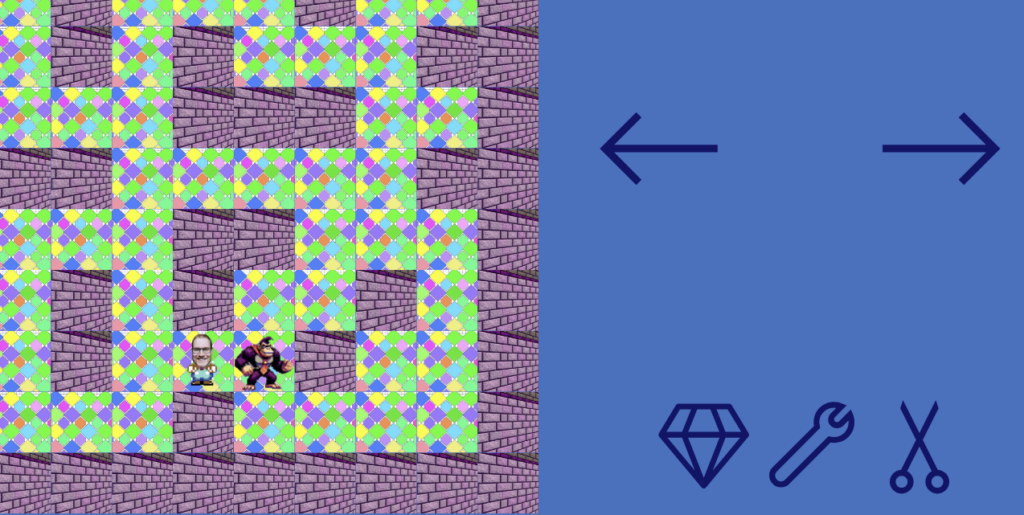
The game that we have created is based of ideas and the work of Chris Kent. He had created a 2D game with movement that we have copied lots of our thoughts from. He has provided his game as an open source (GITHUB) where we have been able to use some of his components to make it all come together.
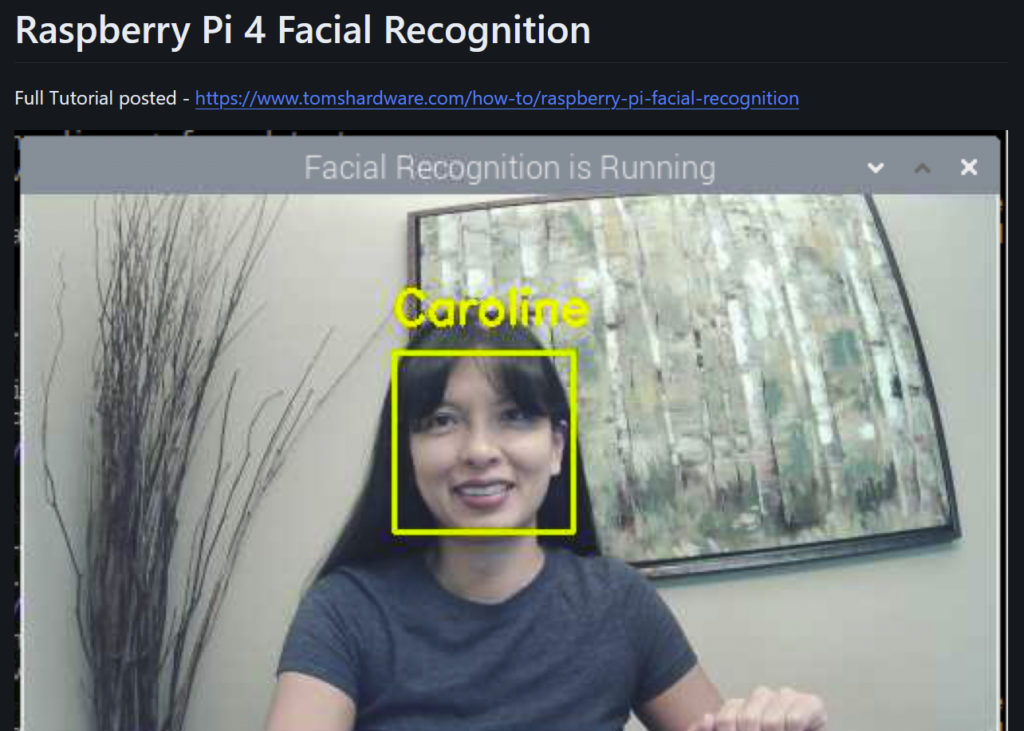
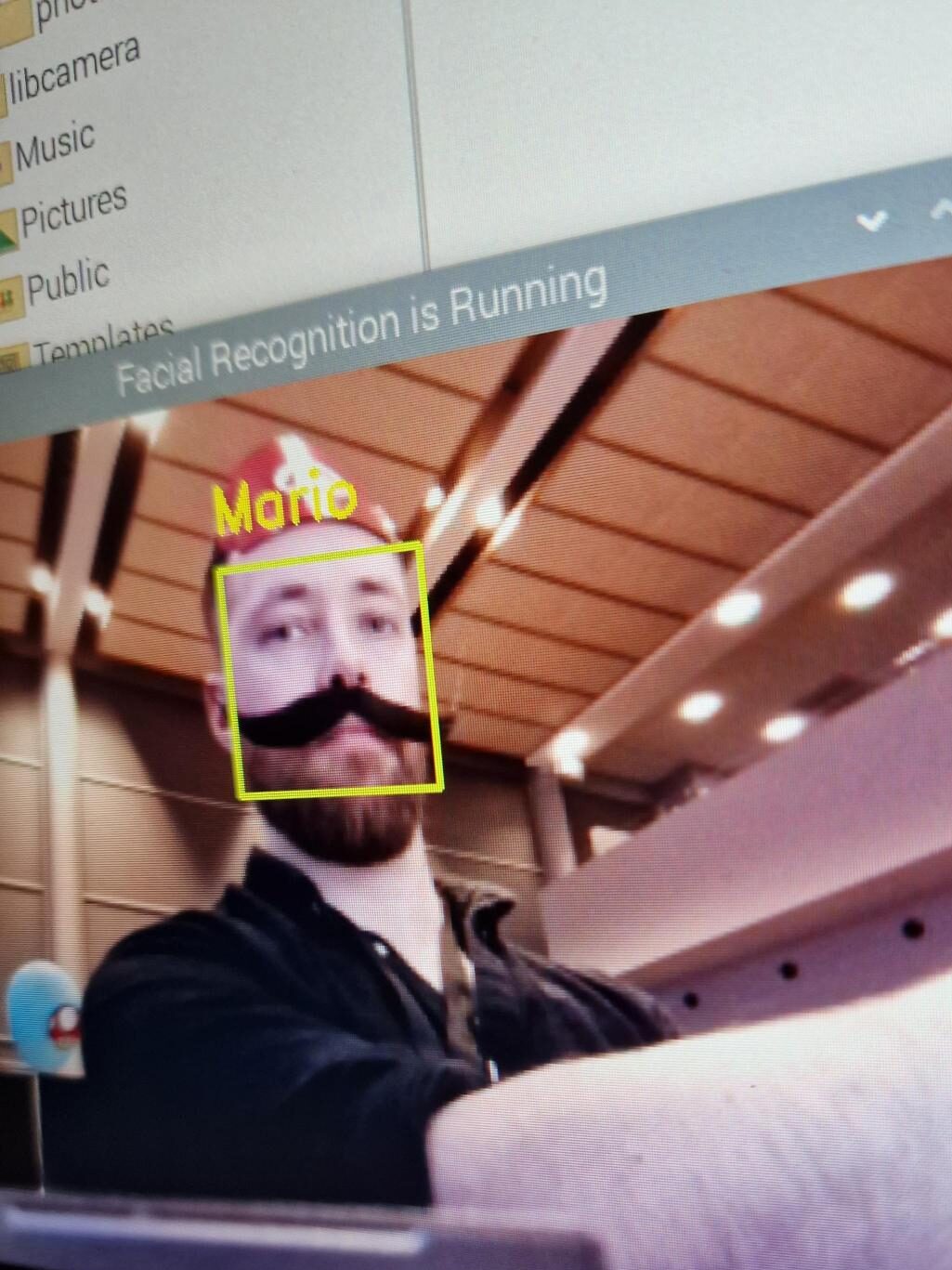
We wanted to out Mario Detection Systems cameras to be small ( -ish), to be more difficult for the Mario Bros to detect, so naturally we settled on using a Raspberry Pi to run our Mario Detection software. But can a Raspberry Pi even run this software? Can it even be done?
Well, luckily we found OpenCV, an open source computer vision library! And even better, we found Caroline Dunn’s facial_recognition repository on GitHub, which specifically tackles facial recognition on the Raspberry Pi 4. This was a natural “Yoink!” for us.
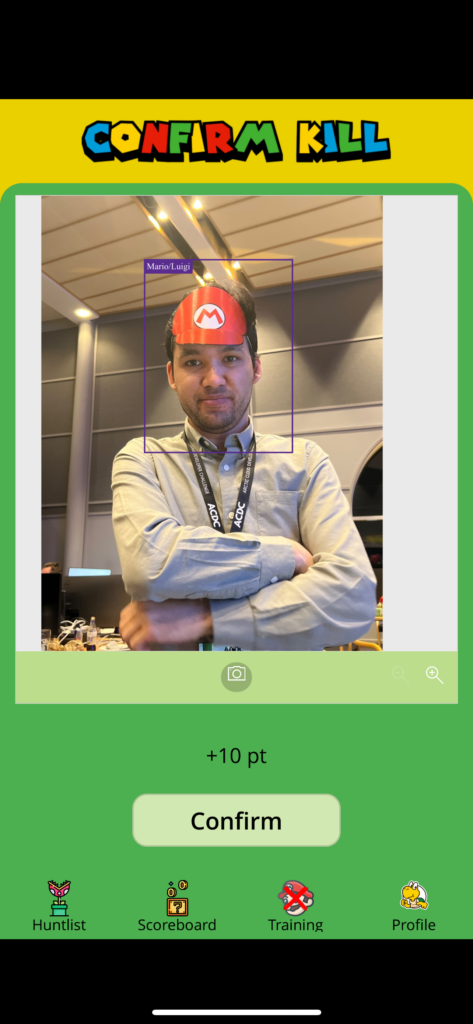
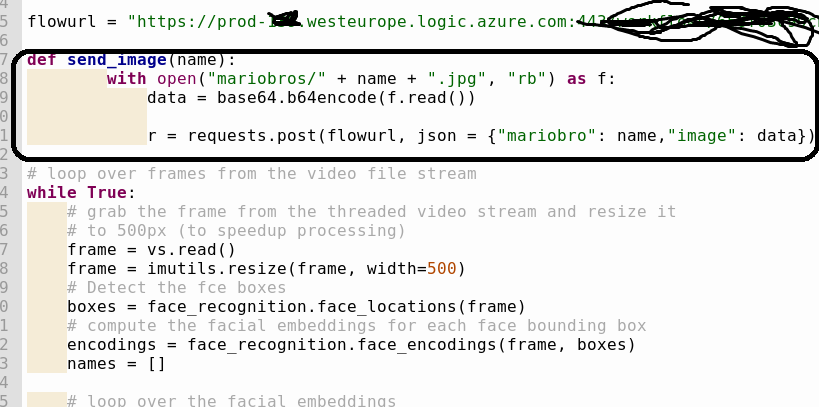
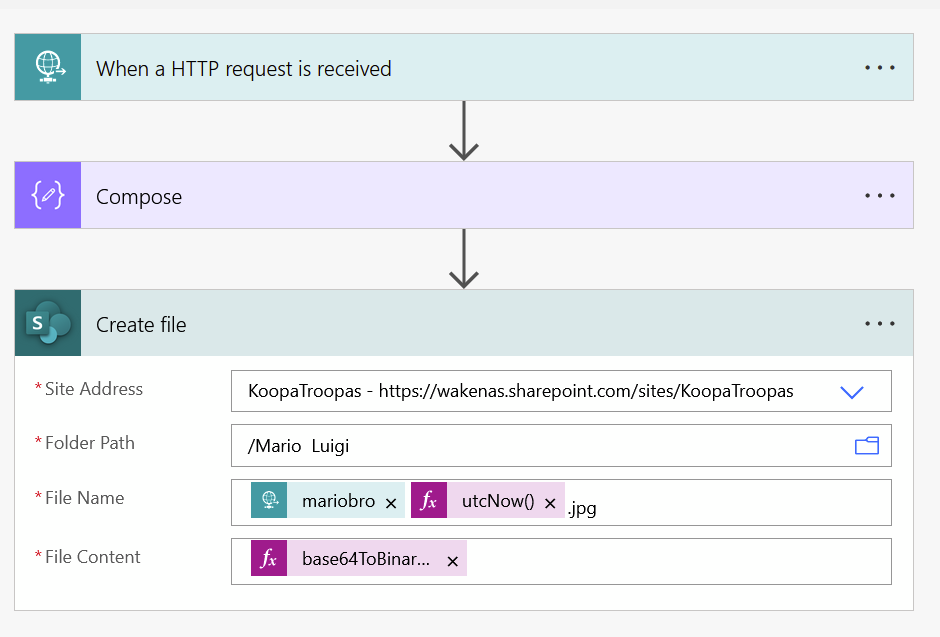
After a little bit of tweaking, we can now detect Marios and Luigis, and upload the images to our Sharepoint with a Power Automate flow!
Most of my contribution:
Sometimes, it’s better to let someone else do most of the hard work 🙂